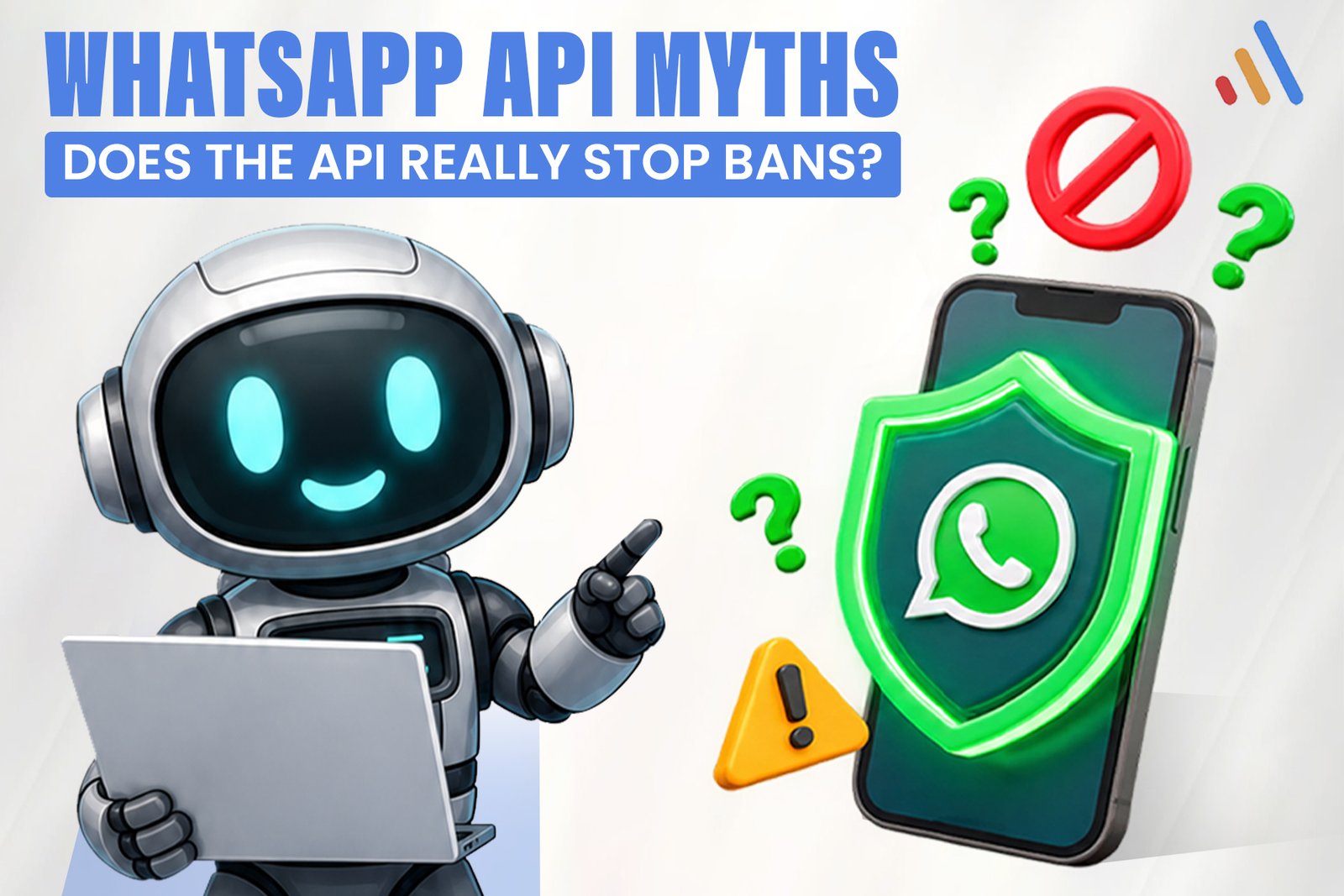
The WhatsApp API does not stop bans by itself. Moving to the official WhatsApp Business Platform removes the biggest cause of bans, unofficial tools, and gives you structure and monitoring. But your number can still be restricted or disabled if you break Meta’s policies, message people without permission or draw heavy complaints. A WhatsApp API ban is a policy outcome, not a technology problem.
This article separates what Meta’s documentation supports from what vendors often imply. If you need the setup itself, start with our WhatsApp business automation guide.
Does the official WhatsApp API really prevent bans?
No. The official API lowers ban risk but does not prevent it. It moves you onto the access method Meta allows, which removes the risk of using modified clients or scrapers. It does not exempt you from the WhatsApp Business Messaging Policy or the Business Solution Terms, and Meta can still limit or disable accounts that violate them.
Think of the API as the legal road, not an insurance policy. You still have to drive within the rules.
Which WhatsApp API myths are true, false or half true?
Most myths mix a real benefit with an overstated guarantee. The table below sorts the common claims. Anything marked “verify” should be checked against Meta’s current documentation before you rely on it.
| Claim | Verdict | Why |
| “The API makes my number ban-proof.” | False | Policy violations can still lead to restrictions or disabling. |
| “The API lets me message anyone.” | False | Opt-in is expected, and templates are required outside the service window. |
| “Unofficial tools are the same, just cheaper.” | False | They rely on methods Meta does not authorize and carry the highest risk. |
| “A provider handles compliance for me.” | False | The business remains responsible for its messaging and consent. |
| “The API is more stable for automation.” | True | It is built for automation, monitoring and scale. |
| “The API is free.” | Half true | Access routes vary, but messaging charges and provider fees can apply (verify current pricing). |
Myth 1: “The API makes my number ban-proof”
This is false. The API gives you quality ratings, messaging limits and template review, which are the mechanisms Meta uses to manage senders. Those same mechanisms are how restrictions happen. A number on the API that sends unwanted messages can be limited just as quickly as one that does not.
Myth 2: “The API lets me message my whole contact list”
This is false. Meta expects businesses to obtain permission before messaging people, and conversations you start generally require approved templates. Importing a purchased or scraped list into the API is one of the fastest ways to attract blocks and reports. Verified requirement: opt-in. Recommendation: keep a record of when and how each person agreed.
Myth 3: “My provider takes care of compliance”
This is false. A Business Solution Provider can supply tools, templates and support, but the business owns its consent, message content and customer relationships. Ask providers what they actually monitor and what they do not, and put the answer in writing.
What does the quality rating still restrict even on the API?
The quality rating still restricts how many people you can message and, in some cases, the templates you can use. Meta assigns a quality signal to API numbers based largely on how recipients react, including blocks and reports. A low rating can reduce your messaging limits, and sustained problems can lead to further restrictions. Review Meta’s current documentation for exact thresholds and how recovery works, because those details change and are not stated here.
So the rating works as a feedback loop. When recipients stop wanting your messages, your capacity shrinks. This is why content relevance matters as much as technical setup.
Why is the API called “half expensive”?
The API shifts cost from risk to running expenses. Meta charges for certain message categories, and providers may add platform or seat fees. Building integrations, template management and human handoff also takes engineering time. Pricing structures have changed in the past, so confirm current rates with Meta and your provider before budgeting, and avoid quoting figures from older articles.
The cost is often justified for automation at scale. For a small team answering a few chats by hand, the standard WhatsApp Business app may be enough, and it is a mistake to buy API complexity you do not need.
How do you reduce the chance of a WhatsApp API ban?
You reduce the chance by controlling who you message, what you send and how fast you react to complaints. None of these steps guarantee safety, but together they match what Meta’s policies expect.
- Capture clear opt-in. State what people will receive, and log the time, number and wording.
- Use focused templates. One purpose per template, accurate category, no misleading content.
- Respect the service window. Reply with free-form messages inside it and use templates only when needed.
- Make opting out simple. Honor stop requests immediately and suppress those numbers.
- Watch your quality rating weekly. Treat a decline as a signal to review content and audience.
- Offer a human exit. Do not trap customers in bot loops, which generate blocks.
- Ramp up gradually. Launch to a small group before expanding volume.
The approach also fits the principle in our business automation guide: automate repetitive, low-risk messages first, and keep disputes and sensitive issues with people.
What are the limits of any WhatsApp API ban advice?
No article, provider or practice can promise your number will never be restricted. Meta makes enforcement decisions, policies change, and its documentation is the final authority. Data protection duties for stored chat content also depend on your location and industry, so involve legal counsel where needed. Appeals and recovery processes exist, but outcomes are not guaranteed.
Where does custom development help?
Custom development helps when WhatsApp needs to connect to your order system, CRM or support desk, and when an AI assistant must follow scope limits and hand off cleanly. VCL’sAI agent development team builds assistants with defined boundaries and escalation paths. This is particularly relevant fore-commerce businesses handling order and delivery conversations at volume.
Audit your messaging workflow
Before blaming the platform, check how your messaging actually works: where opt-in is captured, which templates you use, and where humans step in. A workflow audit from VCL International reviews these points and identifies which WhatsApp conversations are safe to automate first.
Request a Workflow Audit