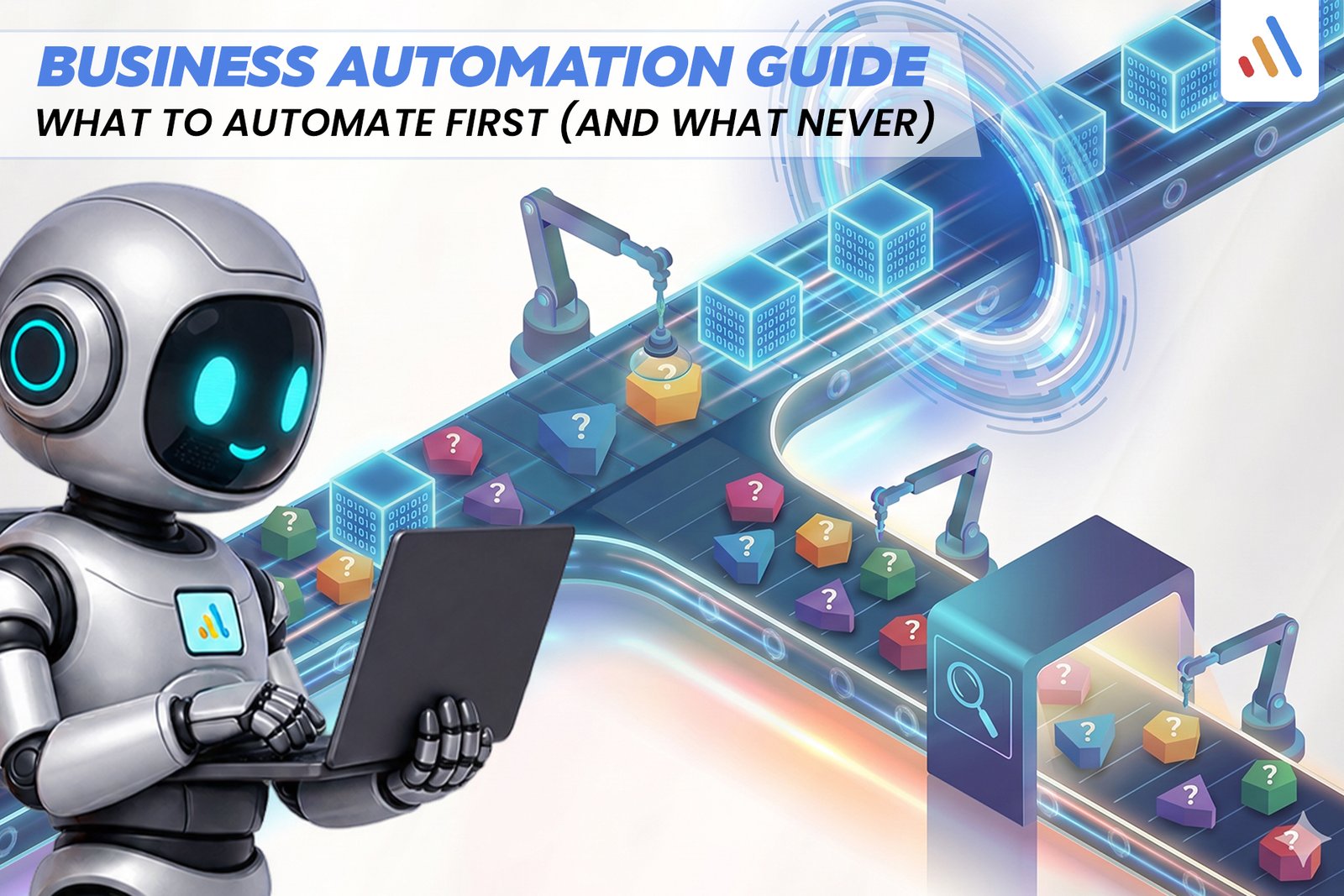
Business automation can help organizations reduce repetitive work, improve process consistency, and give employees more time for activities that require expertise and judgment. However, successful automation is not about handing every task to software. It is about identifying where technology creates measurable business value while preserving human control where it matters.
A practical business automation guide should answer three questions: What should a business automate first? Which processes need artificial intelligence rather than simple rules? And which decisions should remain under human responsibility?
The best starting point is usually a frequent, predictable, measurable task with clear inputs and outputs. AI becomes useful when a workflow requires interpreting documents, understanding customer messages, or handling variable information. Sensitive decisions, ambiguous exceptions, and high-impact outcomes require carefully designed human oversight.
This guide explains how to prioritize automation, evaluate business processes, manage implementation risks, and build an automation roadmap that supports long-term growth.
What Is Business Automation?
Business automation is the use of software, integrations, and other technologies to perform repetitive tasks or coordinate business processes with less manual intervention. It can range from a simple automatic email to a connected workflow involving customer records, documents, approvals, and multiple business applications.
There are three common approaches.
Rule-based automation follows predefined instructions. For example, when a customer completes a form, the system creates a CRM record and sends a confirmation email.
AI-powered automation uses artificial intelligence to interpret information, classify requests, extract data, or assist with decisions. For example, AI can categorize incoming customer emails based on their meaning rather than relying only on exact keywords.
Hybrid automation combines AI with conventional rules and human review. An AI system might interpret a customer’s return request, business rules might check eligibility, and an employee might review exceptions before approval.
The right approach depends on the process. Businesses should not introduce AI when a simpler, more predictable workflow can solve the problem effectively.
What Should Businesses Automate First?
Businesses should automate tasks that are frequent, repetitive, predictable, and measurable, especially when they consume employee time without requiring substantial human judgment. Start with a process that has clear inputs, defined outcomes, and manageable risks.
Use these criteria to evaluate potential automation opportunities:
- Frequency: Does the task occur daily or across many transactions?
- Time required: How much employee time does it consume?
- Consistency: Does the task follow a repeatable process?
- Error exposure: Are manual handoffs or data entry creating avoidable mistakes?
- Integration readiness: Can the required systems exchange information reliably?
- Business impact: Will faster processing improve service, capacity, or operating efficiency?
- Risk: What happens if the automation makes an error?
A useful first project might be automatically routing support requests, generating routine notifications, synchronizing CRM records, or preparing standard reports.
For example, a sales team might spend time copying information from website inquiries into a CRM. A workflow can capture the form data, create a lead record, assign the inquiry based on predefined rules, and notify the appropriate representative.
This is often a better starting point than automating complex negotiations or allowing AI to make final decisions about customers.
Which Business Processes Are Best for Automation?
The best candidates are processes with repeatable steps, clear rules, and outcomes that can be checked. Many departments have opportunities to reduce administrative work without removing human responsibility.
1. Data Entry and System Updates
Automating data entry can reduce repetitive copying between forms, spreadsheets, databases, and business applications.
For example, a workflow can transfer approved customer details from a form into a CRM and notify the relevant team. Validation rules should check required fields, duplicates, and formatting before records are saved.
2. Customer Inquiry Routing
Automation can classify incoming inquiries using predefined categories and route them to sales, support, billing, or another department. AI can assist when messages use varied wording or contain unstructured information.
Requests involving unusual circumstances, complaints, or sensitive matters should have a clear escalation path.
3. Appointment Scheduling and Notifications
Scheduling systems can send confirmations, reminders, rescheduling instructions, and internal notifications. These workflows are usually suitable for rule-based automation because the actions and conditions can be defined in advance.
4. Invoice and Document Processing
Software can extract information from invoices, categorize documents, identify missing fields, and prepare records for review. AI-assisted extraction can help when document layouts vary, but financial information should be validated before important actions are taken.
5. Reporting and Data Collection
Automation can gather information from connected systems, prepare recurring reports, and notify teams when defined thresholds are reached. Employees can then spend more time interpreting the findings and deciding what action to take.
6. E-Commerce Order Workflows
Online retailers can automate order confirmations, inventory updates, shipping notifications, and routine status communications. More advanced integrations can connect e-commerce platforms with inventory, CRM, and enterprise resource planning systems.
For businesses with interconnected applications, VCL International’s AI integration services can support the integration of AI capabilities into existing technology environments.
What Should Businesses Never Fully Automate?
Businesses should avoid removing meaningful human oversight from decisions that require accountability, nuanced judgment, or careful evaluation of consequences. The goal is not to ban automation from sensitive processes, but to define clear limits on what systems can decide and execute independently.
Examples include:
High-impact employment decisions. Hiring, termination, promotion, and disciplinary decisions can affect people’s livelihoods. Software may assist with administrative work, but decisions need appropriate human accountability, fairness checks, and legal review.
Complex customer complaints. Routine questions can often be handled automatically, but unusual disputes, vulnerable customers, or cases requiring empathy should have an accessible human escalation route.
Significant financial commitments. Systems can prepare invoices, reconcile records, or flag anomalies. High-value transfers, unusual payments, and exceptions should use appropriate authorization and verification controls.
Safety-critical decisions. Where an incorrect action could create physical harm, automation must be designed around the applicable safety requirements, validation procedures, and human responsibilities.
Ambiguous legal or regulatory judgments. Software can organize information and support review, but qualified people should remain responsible for decisions that require professional judgment.
These are not universal prohibitions against all automation in these areas. The appropriate level of automation depends on the use case, applicable law, risk level, system reliability, and available safeguards.
A useful rule is to automate preparation and coordination before automating final decisions. Let software collect evidence, flag exceptions, and recommend next steps while authorized people retain control over consequential outcomes.
How to Decide Between Traditional Automation and AI
Traditional automation is generally the better fit for predictable tasks governed by explicit rules. AI is more useful when a workflow requires interpreting language, documents, images, or variable information that cannot be handled efficiently through fixed conditions alone.
Consider a customer support workflow.
A traditional system can automatically send an order confirmation, check a shipment status, or assign a ticket based on a predefined category.
An AI-assisted system may be useful when a customer writes a detailed message explaining several problems in their own words. AI can identify the request, summarize the issue, and suggest the appropriate category or response.
A hybrid workflow could look like this:
- A customer submits a message.
- AI interprets the request and identifies its likely category.
- Business rules validate account information and determine permitted actions.
- The system handles routine cases within defined limits.
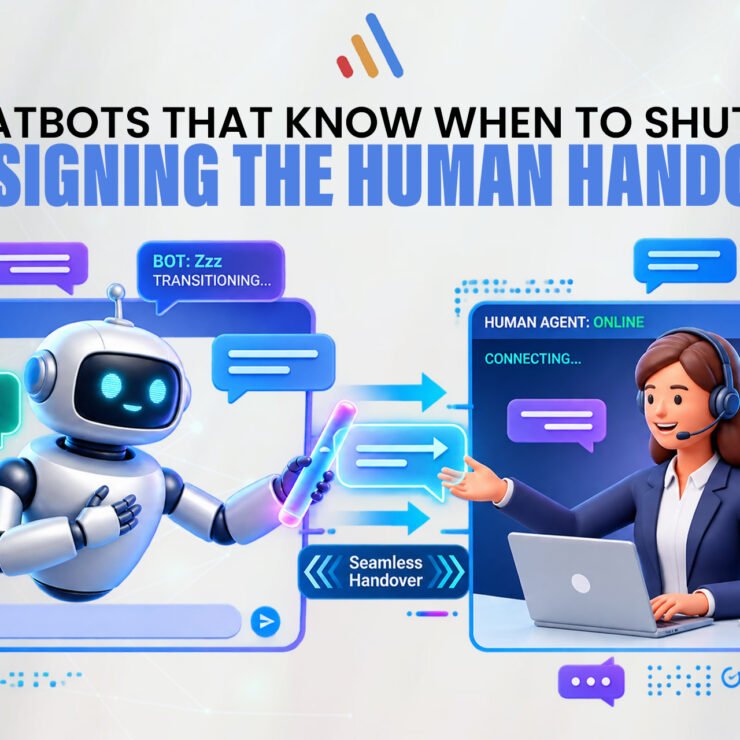
- Complex or sensitive cases go to a human employee.
VCL’s AI Agent Development Services are relevant to workflows that connect AI agents with business applications, retrieve information, execute tasks, and escalate cases when human intervention is required.
The key is to select technology based on the workflow’s actual requirements, not because AI is the newest available option.
How to Calculate the Business Value of Automation
Automation should be evaluated using measurable business outcomes, not simply the number of tasks completed without human intervention. Before implementation, establish a baseline so you can compare the current process with the automated version.
Measure factors such as:
- Employee time spent on the process.
- Average processing time per transaction.
- Error and rework rates.
- Delays between workflow stages.
- Software, integration, and maintenance costs.
- Exception and escalation rates.
- Customer experience and service quality.
A basic financial model is:
Net automation benefit = measurable savings and additional value − total automation costs.
Total costs should include more than initial development. Consider software subscriptions, API usage, integration work, testing, training, monitoring, maintenance, and the cost of handling exceptions.
For example, imagine a business spends substantial employee time manually routing incoming requests. Before investing, it should measure the current workload, determine what proportion can be routed reliably, estimate implementation and ongoing costs, and define a target for reducing manual effort.
Do not assume that all time saved becomes a direct financial saving. The benefit may instead come from increased capacity, faster customer response, fewer errors, or the ability to handle more work with the existing team.
How to Implement Business Automation Step by Step
A reliable implementation starts with process analysis, moves through a controlled pilot, and expands only after the workflow has been tested against clear requirements.
Step 1: Map the Current Process
Document each stage, including who performs it, which systems are involved, what information is required, and where delays or errors occur.
Include exceptions rather than documenting only the ideal workflow. A process that appears simple may involve approvals, missing information, or special cases that need to be handled explicitly.
Step 2: Remove Unnecessary Steps
Do not automate an inefficient process without first understanding why it exists. Eliminate redundant approvals, clarify ownership, standardize data fields, and simplify the workflow where possible.
Automation should make a sound process more efficient, not make an unnecessary process faster.
Step 3: Classify the Workflow
Decide whether the process is best handled through rule-based automation, AI assistance, a hybrid workflow, or continued manual execution.
Identify which steps can be automated independently and which require validation or authorization.
Step 4: Choose a Focused Pilot
Start with one workflow that has a clear business objective and a manageable level of risk. Define success criteria before development begins.
For example, a pilot might aim to reduce the time spent routing support requests while maintaining acceptable classification accuracy and escalation rates.
Step 5: Integrate and Test
Confirm that the required applications can exchange data correctly. Test normal cases, missing information, duplicate records, failed integrations, unexpected AI outputs, and other exceptions.
Where appropriate, run the automated workflow in a controlled environment before allowing it to take actions in live systems.
Step 6: Train Employees and Define Ownership
Explain how the workflow operates, when employees should intervene, and how errors should be reported. Assign responsibility for monitoring the process and approving changes.
Automation works best when employees understand how it changes their work rather than discovering new procedures after launch.
Step 7: Monitor and Improve
Compare actual performance with the baseline. Review errors, exceptions, operating costs, and user feedback. Adjust the workflow when business rules or operational needs change.
For organizations that need custom logic or specialized integrations, VCL International’s AI software development services can support the development of tailored applications and AI-enabled workflows.
Common Business Automation Risks and How to Manage Them
Automation can introduce operational, technical, financial, and governance risks when systems act on incorrect information or when exceptions are not handled properly. Businesses should identify these risks before deployment and build controls into the workflow.
Poor data quality: Incorrect or incomplete records can produce incorrect outputs. Validate inputs and establish data-quality checks.
Integration failures: Applications may become disconnected or return incomplete information. Use error handling, logging, alerts, and a recovery process.
AI errors: AI systems can misinterpret messages, produce unsupported answers, or classify requests incorrectly. Test representative cases and define confidence thresholds and escalation rules where appropriate.
Unauthorized access: Automated workflows may access sensitive records or perform actions on behalf of users. Apply least-privilege access, secure authentication, and appropriate monitoring.
Uncontrolled actions: A system might send an incorrect message, update the wrong record, or execute an action that should require approval. Limit permissions and introduce approval checkpoints for consequential actions.
Unexpected costs: Usage, maintenance, and integration requirements can grow as the workflow expands. Monitor total operating costs and reassess value regularly.
For regulated or high-impact use cases, obtain the necessary technical, security, legal, and compliance reviews before deployment. Requirements vary by industry and jurisdiction; do not assume that an automated workflow is compliant simply because it uses established software.
A Practical 30-Day Business Automation Roadmap
A 30-day roadmap can help a business identify a promising workflow, test the approach, and establish a foundation for future automation. The exact timeline depends on system complexity, data readiness, approvals, and integration requirements.
Week 1: Audit and prioritize
- List repetitive tasks across key departments.
- Estimate frequency, manual effort, and business impact.
- Map the highest-priority processes.
- Identify risks, exceptions, and system dependencies.
Week 2: Design the workflow
- Choose one focused pilot.
- Define what the system can and cannot do.
- Establish success metrics and escalation rules.
- Confirm data access, ownership, and security requirements.
Week 3: Build and test
- Configure or develop the workflow.
- Test normal scenarios and exceptions.
- Validate system integrations and permissions.
- Train the employees who will use or supervise it.
Week 4: Evaluate and refine
- Compare results with the baseline.
- Review errors, manual interventions, and costs.
- Gather employee feedback.
- Decide whether to improve, expand, or stop the pilot.
Do not expand simply because the first workflow technically works. Expand when it delivers sufficient value and its risks can be managed appropriately.
How VCL International Can Support Business Automation
VCL International supports businesses developing AI-powered applications, integrating AI with existing software, and connecting intelligent capabilities to operational workflows.
The appropriate solution depends on the problem. A predictable process may require a straightforward integration, while a workflow involving unstructured information, several applications, or specialized business rules may require a more tailored approach.
Relevant capabilities include:
- AI Agent Development Services for intelligent workflows, connected applications, task execution, and human handoff.
- Artificial Intelligence Integration Services for introducing AI capabilities into existing technology environments.
- AI Software Development Services for customized applications and AI-enabled business workflows.
- E-Commerce Development Solutions for e-commerce platforms, system integration, and connections with CRM and ERP tools.
For organizations with larger, cross-departmental technology requirements, VCL’s Enterprise solutions may also be relevant.
The first step is not choosing a product or model. It is identifying a real operational problem, defining the desired outcome, and determining the simplest reliable approach that can deliver it.
Conclusion: Automate the Work, Not the Responsibility
The strongest business automation strategy prioritizes repetitive work, uses AI where interpretation adds genuine value, and preserves human oversight for consequential decisions.
Start with a measurable process. Remove unnecessary steps. Choose between rule-based automation and AI based on the workflow’s needs. Test integrations and exceptions, define access controls, and evaluate results against a baseline.
Do not automate a process simply because the technology makes it possible. Automate when it improves the way work gets done, and make sure someone remains accountable for the outcome.
Ready to Identify Your Best Automation Opportunities?
Not every task needs AI, and not every workflow should run without human review. A structured workflow audit can help identify repetitive work, integration gaps, automation opportunities, and decisions that should remain human-led.
Request a Workflow Audit