A retailer can process sales throughout the day and still have an inaccurate picture of available inventory. This often happens when the point-of-sale (POS) system and inventory software operate separately. Sales are recorded at checkout, while stock quantities are updated later through spreadsheets, manual entries, or another disconnected application.
POS inventory integration solves this problem by connecting sales transactions with inventory records. When a sale is completed, the system updates the relevant stock quantity according to configured inventory rules. Purchases, returns, transfers, and adjustments can also update inventory records through connected workflows.
For retailers, wholesalers, and businesses operating multiple locations, this connection reduces duplicate data entry, improves stock visibility, and provides more reliable information for purchasing decisions.
1. Why Do Separate POS and Inventory Systems Create Stock Problems?
Separate POS and inventory systems create stock problems because sales and inventory movements are recorded in different places. When the systems do not communicate, employees must manually transfer information or reconcile conflicting records.
Consider a clothing retailer with two branches. One branch sells three jackets, but its inventory spreadsheet is not updated until the end of the day. During that delay, another employee checks the spreadsheet and assumes those jackets are still available.
This creates several operational problems:
- Overselling: Employees accept orders for products that have already been sold.
- Incorrect reordering: Purchasing decisions rely on outdated stock quantities.
- Manual entry errors: Staff enter incorrect quantities or duplicate transactions.
- Delayed reporting: Managers cannot easily compare sales with current inventory.
- Unexplained discrepancies: Differences between recorded and physical stock become harder to investigate.
These issues become more complicated when a business operates multiple branches, warehouses, or online stores. Each disconnected system can create another version of the same inventory record.
2. How Does POS Inventory Integration Work?
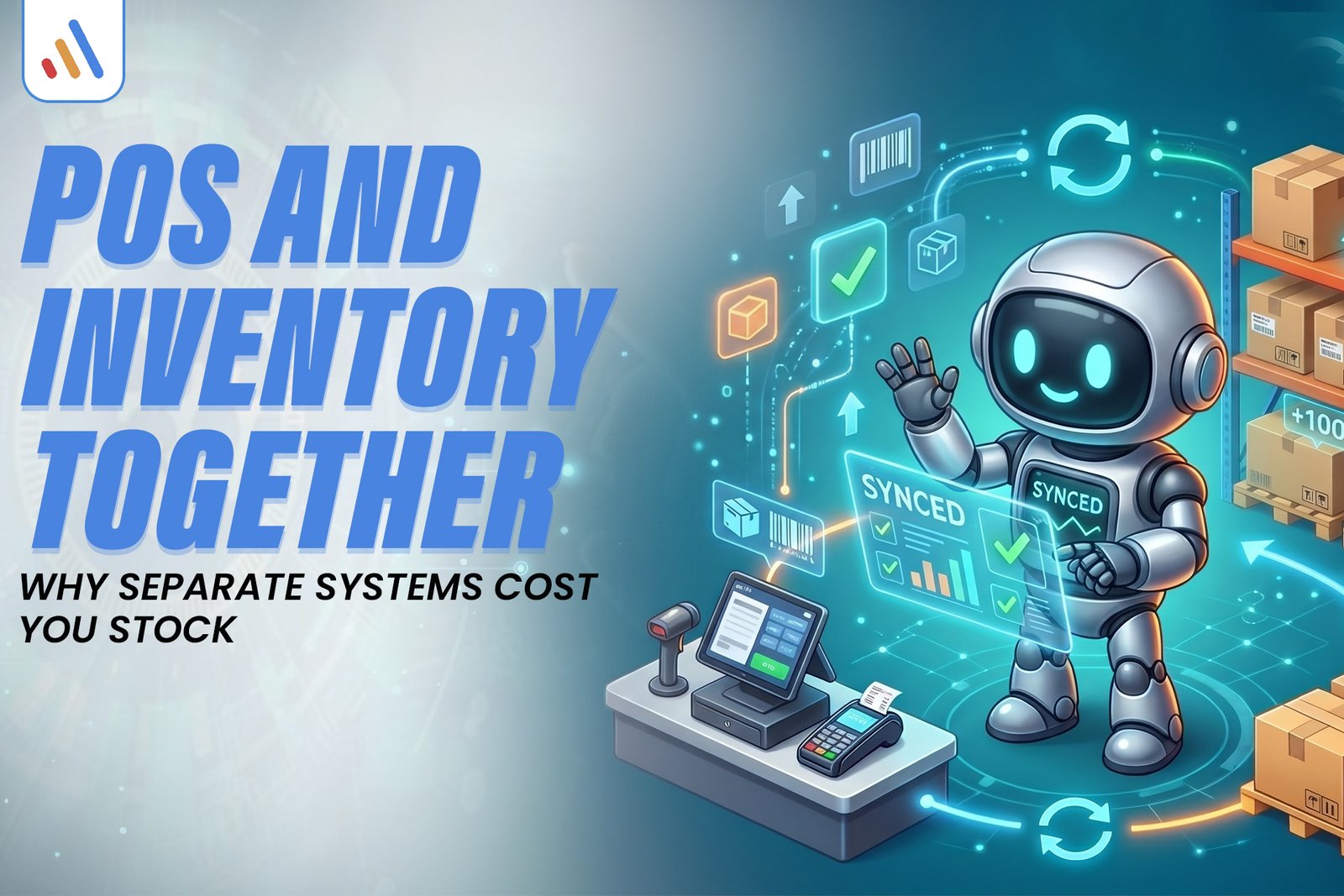
POS inventory integration connects checkout transactions with the inventory database so that completed sales trigger corresponding stock updates. Instead of treating checkout and stock management as separate activities, both processes use connected records.
A typical workflow looks like this:
- A customer purchases a product at the counter.
- The cashier scans its barcode or selects its SKU.
- The POS records the completed transaction.
- The integration sends the relevant transaction data to the inventory system.
- The available stock quantity is recalculated.
- Authorized employees can review the updated inventory.
For example, suppose a store has 50 units of a product. A customer purchases two units, and the transaction is successfully recorded. The available quantity becomes 48, assuming no other reservations, returns, or adjustments affect the calculation.
This process supports real-time inventory synchronization.
However, immediate updates depend on the integration architecture, network availability, system configuration, and transaction processing rules. Some platforms synchronize immediately, while others use scheduled updates or processing queues.
Businesses should understand these differences before selecting a solution.
3. What Should a POS and Inventory Management System Include?
An effective POS and inventory management system should connect product records, sales, purchasing, and stock movements through consistent data. Simply displaying stock quantities on a checkout screen is not enough.
Important capabilities include:
Centralized product management: Each product should have a consistent SKU, barcode, description, category, and relevant variations. Clothing retailers, for example, should be able to distinguish between different sizes and colors.
Automatic stock updates: Completed transactions should update the relevant inventory records according to configured stock rules.
Purchase and receiving records: Employees should be able to record incoming quantities against purchase orders or receiving documents.
Returns and exchanges: Returned items need appropriate stock treatment. A damaged product should not automatically become available for resale.
Multi-location inventory: Managers should be able to distinguish stock held in different branches and warehouses.
Inventory reporting: Reports should help employees review sales, stock movements, adjustments, and available quantities.
Together, these capabilities create a more reliable POS stock management system and reduce the need for manual reconciliation.
READY TO CONNECT YOUR POS & INVENTORY SYSTEMS?
Bring sales, stock levels, purchases, and returns into one connected workflow. Improve inventory visibility, reduce manual updates, and make smarter stock management decisions.
4. How Does Integration Help Reduce Stock Shrinkage?
An integrated system makes stock discrepancies easier to investigate because sales, returns, adjustments, and transfers can be recorded against a common inventory history.
Shrinkage refers to the difference between the inventory a business expects to have and the quantity it can physically account for. Theft, damage, supplier discrepancies, and administrative mistakes can all contribute.
For example, the inventory system shows 30 units, but a physical count identifies only 27. Managers can investigate the difference by reviewing:
- Recent sales and refund transactions.
- Product returns and exchanges.
- Manual inventory adjustments.
- Transfers between branches.
- Goods received from suppliers.
- User activity and transaction timestamps.
Audit logs and role-based permissions can provide additional visibility into inventory changes.
Integration does not eliminate theft, damage, or counting errors. Businesses should continue performing physical stock counts and investigate discrepancies rather than assuming software records are always correct.
5. What Should Retailers Check Before Choosing Inventory Tracking Software?
Choosing inventory tracking software for retail requires more than comparing subscription prices or checkout features. Businesses should evaluate whether the platform supports their actual products, purchasing processes, locations, and sales channels.
Use this checklist when comparing solutions:
| Requirement | What to evaluate |
| Product management | SKUs, barcodes, sizes, colors, variations |
| Stock updates | Real-time or scheduled synchronization |
| Multi-location support | Branch and warehouse quantities |
| Purchasing | Purchase orders and goods receiving |
| Returns | Refunds and damaged-stock handling |
| Reporting | Sales and inventory movement reports |
| User access | Permissions and activity history |
| Integrations | Ecommerce, accounting, and ERP connectivity |
Also consider what happens when the internet connection fails. Some POS platforms support offline transactions, but businesses must understand how those transactions synchronize later and how conflicting stock updates are handled.
For retailers selling through physical and digital channels, VCL e-commerce solutions can support connected selling experiences and product management workflows.
Businesses can also explore VCL e-commerce industry solutions when evaluating the technology requirements of online retail operations.
6. How to Implement POS and Inventory Integration
Successful integration starts with clean product data and clearly defined inventory workflows. Connecting two systems without preparing their records can transfer existing errors into the new setup.
Follow these implementation steps:
Step 1: Audit existing inventory records. Review product names, SKUs, barcodes, categories, quantities, and warehouse locations. Identify duplicate and outdated records.
Step 2: Define stock movement rules. Decide how the system should handle completed sales, canceled orders, refunds, exchanges, damaged products, stock transfers, and reserved quantities.
Step 3: Map the systems. Identify which platform manages each type of information. For example, the POS may handle checkout while the inventory or ERP platform maintains centralized stock records.
Step 4: Configure synchronization. Define how sales, product changes, purchasing records, and inventory adjustments move between systems.
Step 5: Test realistic transactions. Test normal sales, partial refunds, exchanges, duplicate transactions, and internet interruptions. Compare software quantities with expected stock movements.
Step 6: Train employees. Explain how cashiers, store managers, and warehouse teams should record transactions and investigate discrepancies.
Businesses requiring customized connections can explore VCL software development services. Where a connected online storefront or management interface is needed, web development services may also be relevant.
7. Why Does POS Integration Matter in a Larger ERP System?
POS integration becomes more valuable when it connects with purchasing, accounting, warehousing, and business reporting. Instead of treating checkout as an isolated activity, businesses can connect different operational departments through an ERP system.
For example, a completed retail sale can contribute to inventory updates and relevant financial workflows. Incoming purchases can update stock records, while managers can review information across multiple locations.
For growing businesses, this is an important part of building connected operations. Read VCL broader guide to ERP for SMEs Pakistan to understand how ERP systems connect business processes beyond individual POS transactions.
Larger organizations may also need centralized access to operational data across branches. In such cases, VCL enterprise solutions provide relevant context. Cloud services can also be considered when evaluating hosting and deployment requirements for connected business applications.
POS integration should also be reviewed alongside applicable accounting and reporting workflows. For a related discussion, read VCL FBR Compliance Checklist. An integrated POS does not automatically establish FBR compliance. Businesses must separately verify the requirements applicable to their operations.
Frequently Asked Questions
1. What is POS inventory integration?
POS inventory integration connects a point-of-sale system with inventory software. Completed sales and other configured stock movements update the relevant inventory records.
2. Can a POS system automatically update inventory?
Yes. An integrated POS can automatically update stock quantities after completed transactions. The exact behavior depends on the platform, integration configuration, and synchronization method.
3. What is the difference between POS and inventory management software?
A POS system primarily manages checkout transactions and sales. Inventory management software tracks product quantities, purchases, stock movements, and warehouse operations. Integration allows both systems to exchange relevant information.
4. Does POS inventory integration prevent stock shrinkage?
No. Integration cannot completely prevent theft, damage, or physical counting errors. However, transaction histories, adjustment records, and inventory reports make discrepancies easier to identify and investigate.
5. Can POS and inventory software connect with an ecommerce store?
Yes. Many platforms support connections between POS systems, inventory databases, and ecommerce stores. Businesses should verify SKU mapping, stock synchronization, order handling, and return workflows before implementation.
Need a Better-Connected POS and Inventory System?
VCL International helps businesses evaluate and develop software solutions that connect operational workflows and improve system coordination.If your POS, inventory, ecommerce, or accounting platforms are creating disconnected records, schedule a consultation with VCL International to discuss your requirements and identify a practical integration approach.
Book a consultation