Month end closing automation helps businesses reduce the manual work involved in collecting transactions, reconciling accounts, reviewing expenses, and preparing financial reports. When sales, banking, purchasing, inventory, and accounting systems operate separately, finance teams spend valuable hours transferring information instead of reviewing financial performance.
Integrated accounting connects these systems through a coordinated financial workflow. Transactions can flow into the accounting platform, bank records can be matched against recorded payments, and exceptions can be flagged for review.
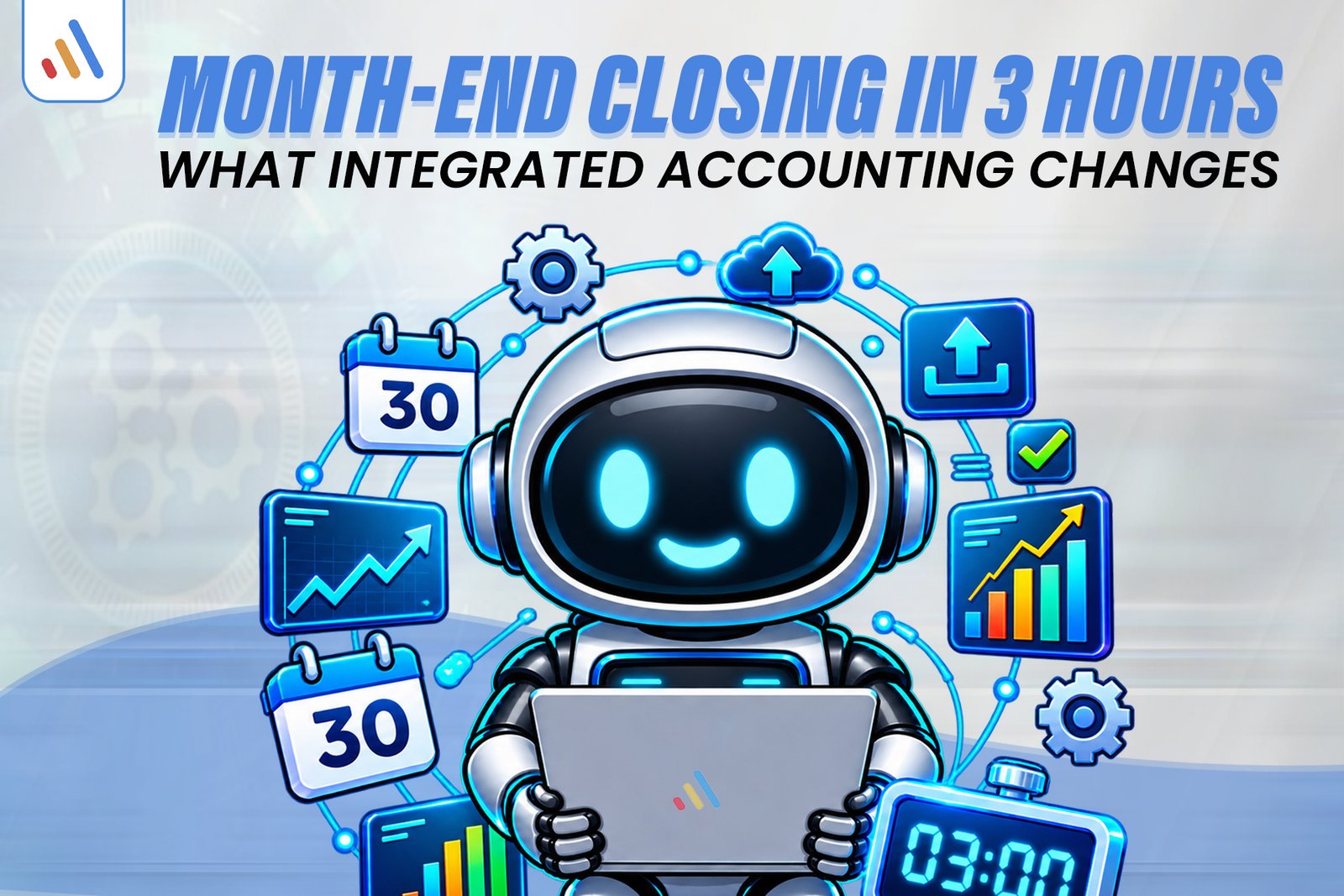
A three-hour month-end close is a possible operational target for a business with clean records, reliable integrations, and consistent approval processes. It is not a guaranteed result. Transaction volume, outstanding discrepancies, and accounting complexity determine how quickly a business can finalize its books.
1. Why Does Month-End Closing Take So Long Without Automation?
Month-end closing takes longer when financial information is scattered across spreadsheets, bank statements, POS systems, ecommerce platforms, and separate accounting applications.
Consider a business that manages sales through a POS system, purchases through spreadsheets, and expenses through emailed invoices. At month-end, its finance team must collect information from each source before preparing financial reports.
Common delays include:
- Missing transactions: Sales or expenses have not been recorded in the accounting system.
- Manual reconciliation: Employees compare bank statements against individual transaction records.
- Duplicate entries: The same invoice or transaction is entered more than once.
- Delayed approvals: Managers have not approved expenses or journal entries.
- Inventory differences: Physical stock records do not match accounting records.
- Late reporting: Financial statements cannot be finalized until missing information is resolved.
These problems become harder to manage as transaction volumes increase. The solution starts with improving the systems that create financial information throughout the month, rather than trying to fix everything at closing time.
2. How Does Month End Closing Automation Change the Workflow?
Month end closing automation connects financial information from operational systems and reduces the need to collect and re-enter the same data manually.
An integrated accounting environment can receive information from several business applications:
| Business system | Information provided |
| POS software | Sales, refunds, and discounts |
| Ecommerce platform | Orders, payments, and returns |
| Bank feeds | Deposits, withdrawals, and payments |
| Procurement system | Purchase orders and supplier invoices |
| Inventory software | Stock movements and valuation data |
| Payroll system | Salary and payroll expenses |
For example, an approved supplier invoice can enter the accounts payable workflow without employees manually entering every detail again. Similarly, ecommerce sales information can flow into accounting records through a configured integration.
The systems must still use correct account mappings, transaction dates, tax treatments, and approval rules. Connecting applications does not automatically guarantee accurate accounting.
3. How Do POS and Accounting Integration Affect Month-End Closing?
POS and accounting integration improves month-end closing by connecting retail transactions with financial records. Instead of manually collecting sales reports from different branches, finance teams can review transaction information through a connected accounting workflow.
A properly configured integration can transfer:
- Sales totals and transaction summaries.
- Refunds, returns, and discounts.
- Payment methods and settlement information.
- Applicable tax categories.
- Relevant transaction references.
Consider a hypothetical retailer with 800 monthly POS transactions.
Its monthly sales report shows PKR 500,000 in gross receipts, while its payment processor deposits PKR 485,000 after PKR 15,000 in processing charges.
The accounting workflow should account for gross sales, processing charges, and the net settlement separately according to the business’s accounting treatment. Recording only the net bank deposit as sales could produce an inaccurate revenue picture.
This example is illustrative, not a real customer result.
POS integration also needs to account for the relationship between stock movements and financial records. Businesses handling significant retail inventory can read our related guide, POS and Inventory Together: Why Separate Systems Cost You Stock.
4. How Does Accounting Reconciliation Automation Work?
Accounting reconciliation automation reduces repetitive matching by comparing financial transactions with corresponding accounting records and identifying items that need investigation.
For example, when bank statement transactions become available in connected accounting software, the system can suggest matches against recorded invoices, bills, payments, and other transactions.
The process generally involves four stages:
- Import transactions: Bring bank and payment information into the accounting system.
- Match records: Compare transaction amounts, dates, and references.
- Identify exceptions: Flag unmatched payments, duplicate entries, or differences.
- Review and approve: Allow authorized finance employees to investigate and resolve exceptions.
Software documentation from Xero’s bank reconciliation guide explains how statement lines can be matched against existing accounting transactions, with suggested matches and bank rules supporting the process.
Automation is most useful for predictable, repeatable transactions. Foreign currency differences, partial settlements, missing references, and unusual payments may still require human investigation.
The objective is not to remove financial oversight. It is to reduce routine work so finance professionals can focus on accuracy and exceptions.
5. What Does a Three-Hour Financial Closing Process Look Like?
A three-hour financial closing process can be organized around transaction checks, reconciliation, adjustments, and final reporting. The following is a hypothetical planning example, not a performance benchmark or guaranteed implementation result.
| Time | Closing activity |
| 0–30 minutes | Check transaction imports and missing records |
| 30–75 minutes | Review bank, POS, and payment reconciliations |
| 75–120 minutes | Investigate unmatched transactions and discrepancies |
| 120–150 minutes | Review approved accruals and adjustments |
| 150–180 minutes | Review financial reports and finalize the period |
In this example, the retailer has 800 POS transactions, recorded supplier bills, and imported bank and processor statements. Rather than entering every transaction manually, the finance team begins by reviewing the imported records and checking whether expected data is complete.
The team then investigates unmatched settlements, refund differences, and outstanding payments. After reviewing approved accruals, depreciation, prepaid expenses, and relevant inventory adjustments, it checks the final financial statements.
A business with incomplete records, multiple legal entities, complex inventory, or substantial foreign currency activity may require considerably more time.
6. Where Do FBR Digital Invoicing and POS Requirements Fit?
FBR digital invoicing is a separate compliance consideration that businesses should plan alongside their internal accounting integration. Connecting a POS to an accounting ledger does not automatically mean that the business has completed its applicable FBR integration requirements.
The Federal Board of Revenue’s published Digital Invoicing FAQs state that electronic invoicing is mandatory for corporate and non-corporate registered persons. The FAQ also explains that registered persons notified by FBR must integrate their POS, ERP, or other invoicing system through an FBR-licensed integrator.
FBR’s Sales Tax General Order #01 of 2026, dated March 30, 2026, also addresses the engagement of approved or notified licensed integrators.
Businesses should distinguish between two workflows:
- Internal accounting integration: Transfers sales and payment information into accounting records.
- FBR integration: Supports applicable electronic invoicing and reporting requirements through the prescribed integration process.
Before implementation, verify your business’s registration status, applicable notifications, integration requirements, and current deadlines with a qualified tax professional and the latest FBR guidance.
7. How to Implement Month-End Closing Automation
A successful implementation starts with reviewing existing financial workflows before connecting additional software. Automating inconsistent processes can make existing errors harder to identify.
Follow these steps:
Step 1: Document current processes. List every system, spreadsheet, report, approval, and employee involved in monthly closing.
Step 2: Identify repetitive tasks. Look for transaction imports, invoice matching, payment reconciliation, and report preparation that can be automated.
Step 3: Standardize financial records. Review chart-of-accounts mappings, supplier details, transaction categories, and reporting periods.
Step 4: Connect business systems. Establish integrations between accounting software, POS, ecommerce, banking, and inventory platforms.
Step 5: Configure approvals and exceptions. Decide which transactions can be processed automatically and which need human review.
Step 6: Test before implementation. Compare system outputs against existing accounting records. Test duplicate transactions, refunds, missing data, and synchronization failures.
For businesses that need customized integrations, VCL AI agent development services can be relevant for document-processing and exception-routing workflows, subject to appropriate human review.
Where online orders and payment records are important, VCL ecommerce solutions can support connected business applications. Companies needing custom reporting interfaces can also explore web development for financial dashboards.
For a broader understanding of connected business operations, read VCL ERP for SMEs Pakistan guide.
Frequently Asked Questions
1. What is month-end closing automation?
Month-end closing automation uses connected accounting systems and configured workflows to reduce repetitive activities such as transaction importing, reconciliation, account matching, and financial report preparation.
2. Can a business really complete month-end closing in three hours?
It may be possible for a business with clean records, reliable integrations, consistent processes, and limited outstanding exceptions. Actual closing time depends on transaction volume, accounting complexity, and required approvals.
3. Does accounting reconciliation automation remove the need for accountants?
No. Automation reduces repetitive matching and data entry, but accountants are still needed to investigate discrepancies, review adjustments, apply accounting policies, and approve financial reports.
4. How does POS integration help with month-end financial reporting?
POS integration transfers sales, refunds, discounts, and payment information into connected accounting workflows. This helps finance teams reconcile revenue and settlements without repeatedly collecting information from separate systems.
5. Does integrated POS software automatically make a business FBR compliant?
No. Internal POS and accounting integration is different from regulatory e-invoicing integration. Businesses must verify their applicable FBR obligations and follow the prescribed integration process where required.
Need to Simplify Your Financial Closing Process?
If your finance team spends too much time reconciling disconnected records or preparing reports manually, book a consultation with VCL International to discuss your requirements and identify practical automation opportunities.
Book a consultation