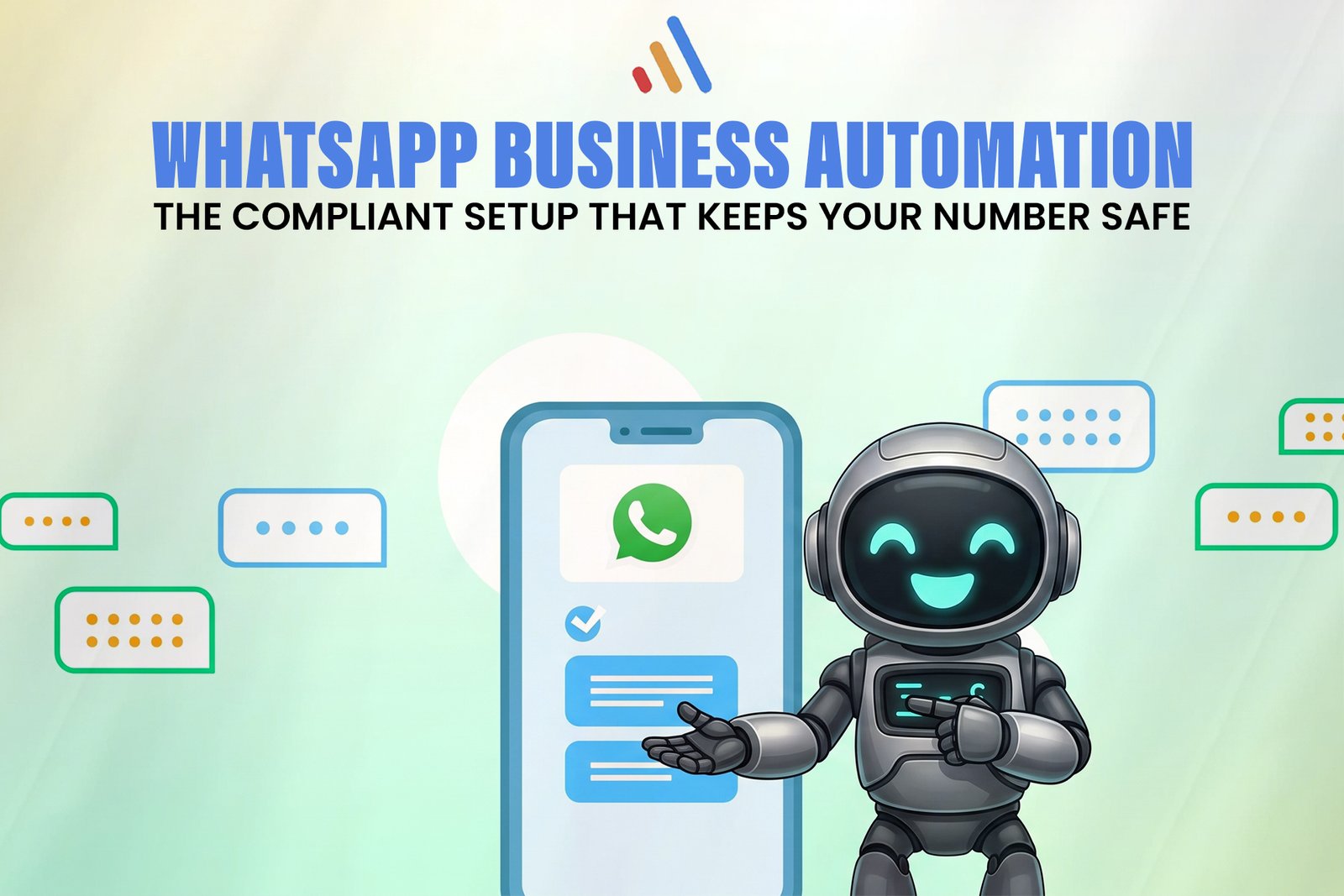
WhatsApp business automation is safe when it runs on the official WhatsApp Business Platform, messages only people who have opted in, and uses approved templates outside the conversation window. Numbers get restricted for spam, unsolicited outreach and unofficial tools, not for automation itself. This guide covers the setup that keeps your number protected and the mistakes that put it at risk.
Does WhatsApp business automation get your number banned?
No. Automation is not what triggers bans. Meta’s policies target unwanted messaging and unauthorized access methods, and automation built on the official platform is an intended use case. Risk comes from three things: messaging people who never agreed to hear from you, generating complaints and blocks, and running automation through unofficial tools.
Unofficial tools include modified WhatsApp clients, browser-based bulk senders and scraped contact lists. These work by imitating a person, which is exactly the behavior Meta’s terms prohibit. Treat any vendor promising “unlimited bulk messaging” from a regular number as a red flag.
What does a compliant WhatsApp automation setup include?
A compliant setup has four parts: official API access, documented opt-in, approved message templates and respect for the customer service window. Each one maps to a rule in Meta’s WhatsApp Business Messaging Policy and Business Solution Terms, so review the current versions before you build.
Official API access
The WhatsApp Business app suits small teams answering messages by hand. Automation at scale needs the WhatsApp Business Platform, which you can reach directly through Meta’s Cloud API or through an approved Business Solution Provider (BSP). The platform ties your number to a verified Meta business account, which also gives you quality ratings and messaging limits you can monitor.
Documented opt-in
WhatsApp expects businesses to obtain permission before sending messages, and it expects that permission to be clear about what the person will receive. Verified requirement: you need opt-in. Recommendation: capture it in a way you can prove later.
- Use a checkbox or button at checkout, signup or a support form, with plain wording such as “Send my order updates on WhatsApp.”
- Store the timestamp, the phone number and the exact wording shown.
- Make opting out as easy as opting in, and honor it immediately.
- Never import a purchased or scraped list.
Approved message templates
When you start a conversation, or write after the customer service window closes, you must use a pre-approved template. Templates are submitted to Meta for review and are categorized (for example, utility or marketing). Write them for one clear purpose, use variables for personalization, and avoid promotional language inside templates meant as service notices. Miscategorized templates can be rejected or re-categorized, and that can change what you pay.
The customer service window
When a customer messages you first, a window opens (24 hours at the time of writing) during which you can reply with free-form messages. After it closes, only templates are allowed. Design your automation around this rule: answer fast while the window is open, and use a template only when a follow-up is truly needed.
How do you set up WhatsApp business automation step by step?
Start with the use case and the opt-in flow, then connect the platform, then build conversations. Reversing that order is how teams end up with a working bot and a restricted number.
- Define one narrow use case. Order status, appointment reminders or lead qualification work better than a general-purpose assistant.
- Create and verify your Meta business account. Complete business verification so your messaging limits can grow.
- Choose your access route. Pick the Cloud API directly or a BSP, based on your team’s engineering capacity and need for tooling.
- Register a dedicated number. Use a number you can dedicate to the platform. Check Meta’s current rules on migrating a number already in use on the regular app, because it affects how that number can be used afterward.
- Build the opt-in capture. Add it where the customer already shares their number, and log consent.
- Submit templates early. Approval takes time, so file them before the build is finished.
- Map the conversation flow. Define triggers, replies, fallbacks and a clear handoff to a human agent.
- Launch to a small audience. Watch block rates, quality rating and template performance before scaling.
What should you automate on WhatsApp, and what should stay human?
Automate repetitive, predictable messages and keep judgment calls, disputes and sensitive issues with people. This mirrors the broader rule in our business automation guide about starting with high-volume, low-risk tasks.
Good candidates:
- Order confirmations, shipping updates and delivery exceptions
- Appointment and payment reminders
- Back-in-stock or renewal notices that customers requested
- FAQ answers with a simple menu and a “talk to a person” option
- Lead capture and routing to the right sales or support queue
Keep with humans: complaints, refunds in dispute, anything involving personal or financial judgment, and any conversation where the customer is clearly frustrated.
What are the limits and risks of WhatsApp automation?
The main risks are quality-rating decline, policy changes and over-automation. None is a reason to avoid automation, but each needs an owner.
- Quality and limits. Many blocks or reports can lower your quality rating and restrict your messaging limits. Monitor it weekly.
- Policy changes. Meta updates its terms, pricing and category rules periodically, including rules on AI-driven assistants. Re-check them before launch and each quarter.
- Data handling. Phone numbers and chat content are personal data. Check what your BSP stores, where, and how you will meet local privacy obligations. This article is not legal advice.
- Weak handoffs. A bot that traps customers in loops produces the complaints that harm your number. Always provide an exit to a person.
- No guarantees. Following these practices reduces risk but cannot guarantee your number will never be restricted. Meta makes the final decision.
Where does custom development fit?
Off-the-shelf chatbot builders cover simple flows. Custom development helps when WhatsApp must connect to your order system, CRM or inventory, or when you need an AI assistant with controlled behavior and a clean human handoff. VCL’s AI agent development team builds assistants with defined scope and escalation paths, and our software development work covers the integrations behind them.
The approach suits e-commerce teams handling order and delivery messages, and SaaS teams running onboarding and support flows.
Audit the workflow before you automate it
Before you register a number or write a template, map the workflow you plan to automate: who messages, what they ask, where consent is captured and where a human steps in. A workflow audit from VCL International identifies which WhatsApp conversations are safe to automate first and what your opt-in and template plan should look like.
Request a Workflow Audit