Your e-commerce store receives an order, someone copies the details into a courier portal, another employee updates the accounting system, and a customer receives a WhatsApp confirmation. The same information travels through several tools, often with a person acting as the connection between them.
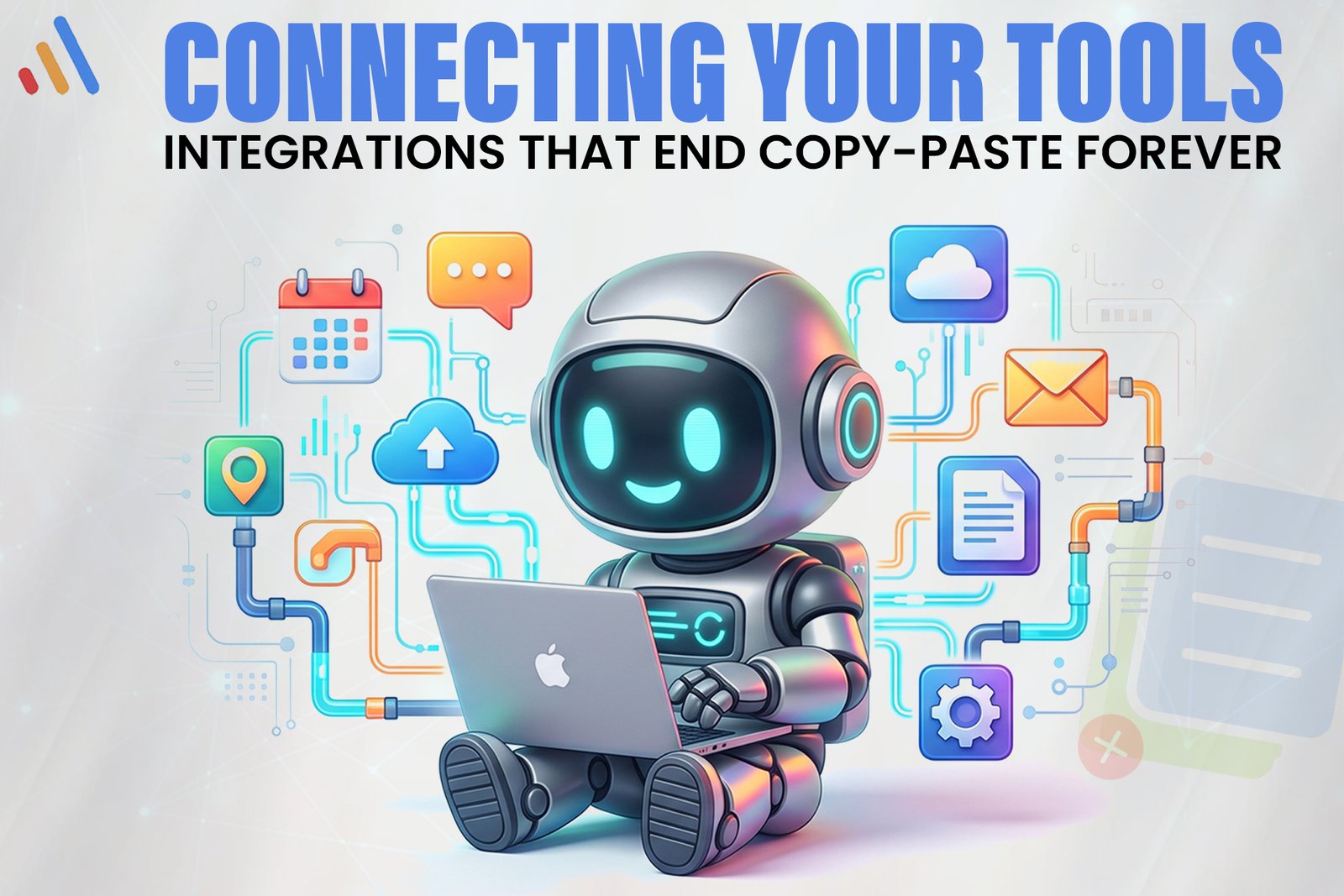
Business software integrations eliminate much of this repetitive work by allowing applications to exchange information automatically. Instead of manually transferring data between your store, courier, accounting software, CRM, and messaging platform, you connect the systems through APIs, native connectors, middleware, or custom integration logic.
The goal is not to connect every application to every other application. It is to create reliable workflows in which information moves to the right destination, errors are handled correctly, and employees retain control over decisions that require judgment.
For businesses planning a broader business automation guide, software integration is often a practical starting point because it addresses repetitive work across existing systems without requiring a complete technology replacement.
What Are Business Software Integrations?
Business software integrations connect separate applications so they can exchange data and trigger actions without requiring employees to transfer every detail manually. Depending on the systems involved, an integration might send information in real time, synchronize records periodically, or process events through a queue.
For example, when a customer places an order, an integration could send the order details to an inventory system, create an invoice in accounting software, and prepare a shipment request for the courier. Each action follows defined rules, and the business can monitor whether the workflow succeeds.
Common integration methods include:
- Native integrations: Connections already provided by software vendors.
- API integrations: Direct communication between applications through documented interfaces.
- Middleware and integration platforms: Tools that coordinate data and workflows across multiple applications.
- Custom software integrations: Purpose-built connections for systems with specialized requirements or limited compatibility.
- File-based integrations: Scheduled transfers using supported formats such as CSV or XML when real-time communication is unavailable.
The right approach depends on your applications, data volume, budget, technical constraints, and reliability requirements. A native connector may be sufficient for a simple workflow, while a business with complex systems may need custom development.
Where Does Copy-Paste Work Usually Start?
Manual data transfer becomes a problem when the same information must be entered into multiple systems, particularly when the process repeats throughout the day. The most useful integration opportunities are usually found in order processing, customer management, accounting, inventory, logistics, and internal reporting.
1. E-commerce store to courier
When an order is confirmed, the integration can transfer the customer’s shipping details, package information, and order reference to a supported courier system. If the courier returns a tracking number, the workflow can save it against the order and make it available to the customer.
This reduces duplicate entry and helps prevent errors in addresses or tracking references. Your store’s order status and the courier’s shipment status should still be mapped carefully because they may represent different stages of fulfillment.
Businesses handling online orders can explore VCL’s e-commerce solutions to understand the broader technology needs involved in connecting storefronts and operational systems.
2. Store to accounting software
An integration can transfer order totals, taxes, discounts, refunds, and payment references into an accounting application. Depending on the setup, it may create invoices, sales receipts, or accounting entries.
The important detail is deciding which system owns each financial record. Payment processors, stores, and accounting platforms may calculate or record transactions differently. Refunds, chargebacks, failed payments, and partial payments must be handled explicitly to avoid duplicate or inaccurate entries.
3. CRM to sales and support
When a prospect submits a form, an integration can create a CRM record, assign an owner, and trigger an internal notification. When a support conversation closes, relevant information may be added to the customer history.
These workflows help teams avoid scattered customer records. However, matching contacts across systems requires a reliable identifier, such as a CRM contact ID or a carefully defined combination of customer attributes.
4. Order events to WhatsApp
A messaging integration can use supported services to send order confirmations, shipping updates, or service notifications when the appropriate event occurs. The workflow should verify that the underlying order or shipment status is accurate before sending a message.
WhatsApp Business Platform access, messaging permissions, templates, and applicable platform policies must be checked for the specific implementation. Connecting an application does not automatically authorize every message or guarantee delivery.
For conversational workflows that need more than notifications, VCL’s article on designing the human handoff in chatbots explains why automated interactions should have a clear route to human support.
How to Build an Integration Map Before Choosing Tools
An integration map identifies which systems exchange information, what triggers each exchange, and which application is responsible for maintaining each record. Creating this map before development prevents unnecessary connections and exposes operational risks early.
Start with a simple table:
| Business event | Source | Destination | Expected result |
| Order confirmed | Online store | Courier system | Shipment request created |
| Payment recorded | Payment platform | Accounting software | Transaction reconciled |
| New lead submitted | Website form | CRM | Lead assigned to an owner |
| Shipment dispatched | Courier system | Store or messaging service | Tracking information updated |
| Support request received | Messaging platform | CRM or help desk | Conversation recorded |
Use this as a starting point, not a universal architecture. Your actual workflow may require additional systems, approvals, or intermediate steps.
Next, answer five questions for every proposed connection:
- What triggers the integration? An order event, a scheduled job, a status change, or a manual approval?
- Which system is authoritative? Where should employees go to verify the correct information?
- What data must move? Transfer only the fields necessary for the intended task.
- What happens when it fails? Define retries, alerts, and a process for resolving exceptions.
- How will success be measured? Track processing errors, duplicate records, manual corrections, and time spent on the workflow.
This process also helps identify workflows that should remain partly manual. For example, an integration can prepare a refund request, but an approval may still be necessary when the amount exceeds an internal threshold.
A Practical Implementation Plan
A successful integration project starts with one high-value workflow, validates the data exchange, and expands only after the first connection is dependable.
Step 1: Choose one repetitive process
Select a workflow that occurs frequently, follows consistent rules, and creates avoidable administrative work. Transferring confirmed orders to a courier system is often easier to scope than connecting every department at once.
Document the current process, including who performs each step, what information they enter, and where mistakes occur.
Step 2: Check compatibility and access
Confirm that each application supports the required API, native connector, webhook, or export method. Review authentication options, rate limits, permissions, available event triggers, and any additional licensing costs.
Do not assume that an advertised integration supports every feature or data field. Verify the specific capabilities required by your workflow before committing to a solution.
Step 3: Define the data mapping
Map each source field to its destination. For example, match the store’s order reference to the courier’s external reference field and map the shipping address to the appropriate destination fields.
Also define how missing values, changed addresses, cancelled orders, duplicate events, and rejected requests should be handled.
Step 4: Build and test the connection
Implement the integration in a test environment where possible. Test successful transactions alongside realistic failure cases, including expired credentials, unavailable services, incomplete records, and repeated events.
Use safeguards such as unique transaction identifiers, idempotency where supported, controlled retries, and error logging. These measures reduce the risk of creating duplicate orders or financial records.
Step 5: Monitor and improve
Deploy the workflow gradually and compare its results with the original process. Check whether records arrive correctly, exceptions reach the right employee, and downstream systems remain consistent.
VCL’s software development services can be relevant when standard connectors cannot accommodate a business’s existing applications, data structures, or workflow requirements.
Integration Risks You Should Not Ignore
Business software integrations reduce manual handling, but they introduce dependencies that must be managed. A failed connection can delay fulfillment, produce incomplete records, or leave different applications showing conflicting information.
Pay particular attention to these risks:
- Duplicate events: The same notification may arrive more than once. Design workflows to detect and safely handle repeated requests.
- Data mismatches: Different systems may use different currencies, date formats, customer identifiers, or status definitions.
- Security exposure: Use least-privilege access, protect credentials, and limit data transfers to what the workflow needs.
- Silent failures: A process may stop without an obvious error unless monitoring and alerts are configured.
- Vendor changes: API updates, discontinued connectors, and altered authentication methods can interrupt existing workflows.
- Unclear ownership: When two systems can edit the same record, define which version takes precedence and how conflicts are resolved.
For larger organizations, these concerns become more important because integrations often cross departmental boundaries. VCL’s enterprise solutions are relevant to businesses evaluating broader systems and operational requirements.
Avoid connecting systems simply because a connector is available. Every additional dependency should have a clear business purpose, a defined owner, and an appropriate maintenance plan.
How to Measure Whether Integration Is Working
An integration is valuable when it improves the business process, not merely when two applications exchange data successfully. Measure the workflow before and after implementation so you can distinguish technical activity from operational improvement.
Useful measures include:
- Manual handling time: How much employee time is spent transferring or correcting records?
- Error rate: How often do incorrect, incomplete, or duplicated records occur?
- Processing time: How long does an order or request take to reach the next system?
- Exception rate: How frequently does a workflow require human intervention?
- Reconciliation effort: How much work is needed to align records across systems?
For example, if staff previously copied every confirmed order into a courier portal, measure the time spent on that task and the number of corrections required. After integration, monitor the same measures alongside failed transfers and unresolved shipment requests.
Do not evaluate success only by counting automated actions. A workflow that processes thousands of records but silently creates incorrect invoices is not a successful integration.
Turn Disconnected Applications Into a Connected Workflow
Business software integrations help companies get more value from their existing applications by eliminating repetitive data entry and improving the flow of operational information. The best results come from mapping the workflow first, choosing the simplest reliable connection, defining failure handling, and monitoring performance after launch.
Start with one process that employees repeat every day. Connect the relevant systems, test realistic exceptions, and expand only when the workflow is dependable. Keep human approval where decisions involve financial risk, unusual cases, or customer judgment.
Ready to identify your highest-value integration opportunities?
Request a Workflow Audit from VCL International to review your repetitive processes, existing applications, and potential integration opportunities. The goal is to identify where connected systems can reduce manual work while keeping your business processes accurate, secure, and manageable.
Request a Workflow Audit